Gaming PC Step Down Transformer: 220V to 110V Guide
Bringing a US gaming PC or console to a 220V country is doable, but it is one of the cases where the wrong step down transformer will fail in a way that looks like a software bug. The PSU keeps restarting, the GPU driver crashes under load, or the whole rig just shuts off mid-game. The fix is matching the step down VA to your PSU rating plus understanding how active PFC plays with autotransformers.
Why gaming PCs are tricky
Three reasons. First, modern gaming PSUs use active Power Factor Correction, which means they draw current in short bursts at the peak of the AC waveform rather than smoothly through the cycle. An undersized step down transformer will see this as a load spike and sag the output voltage. Second, when a GPU goes from idle to full load, the PSU demand can jump 300W to 400W in a fraction of a second. Third, gaming loads are long, not brief, so the transformer runs at high load for hours.
Combine those three and you need a transformer with good voltage regulation under step loads, copper windings to handle the sustained current, and enough VA headroom that the inrush during a GPU power spike does not trip the thermal cutoff.
Active PFC and step down transformers
Here is the technical bit. Active PFC supplies (anything 80 PLUS Gold or higher) draw current near the voltage peak, which creates a non-linear load. Cheap transformers with thin windings and small cores have higher output impedance, which under non-linear current can clip the voltage waveform. The PSU sees this as a brownout and shuts down.
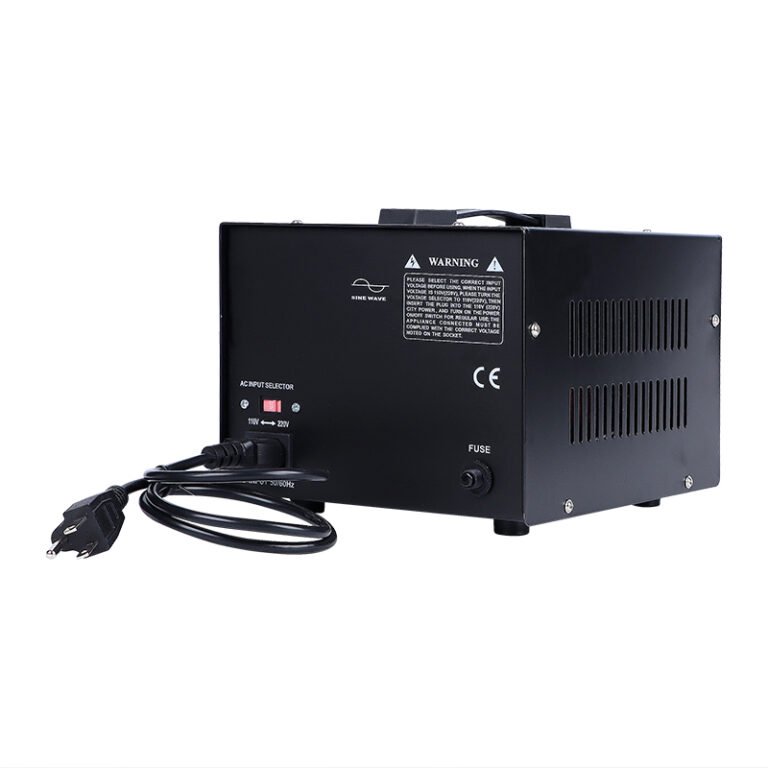
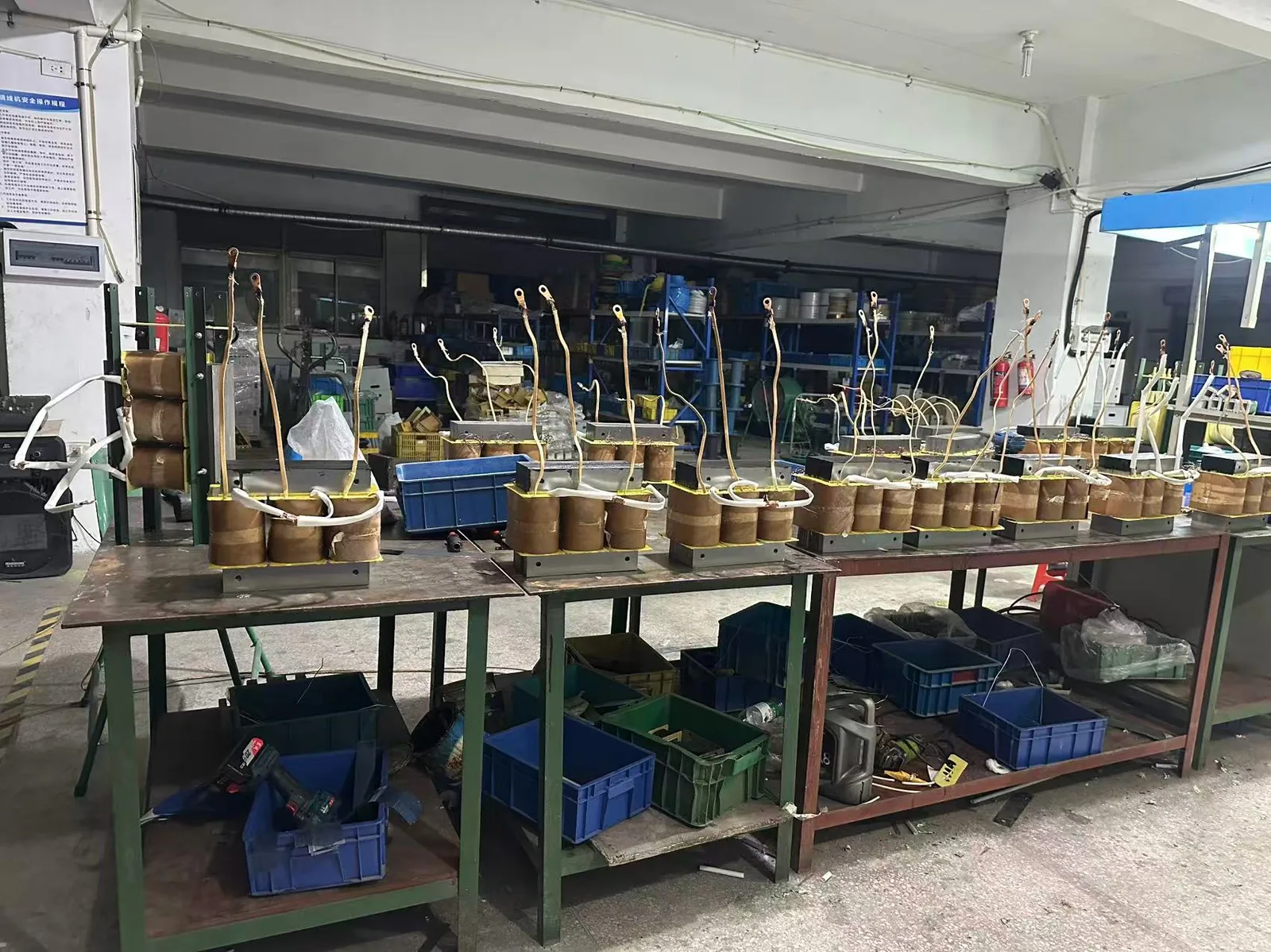
The fix on our side is to wind the step down with more core cross-section than the VA rating strictly needs, which lowers the output impedance. On the buyer side, the fix is to oversize the transformer. If your PSU is 850W, do not use an 850VA transformer, use 1500VA or 2000VA.
Sizing the right VA for your rig
- Small form factor PC with 65W CPU and integrated graphics: ST-500 or ST-1000.
- Mid-range gaming PC with 750W PSU: ST-1500 (1500VA), oversize for active PFC headroom.
- High-end gaming PC with 850W to 1000W PSU: ST-2000 (2000VA, with RCD).
- Dual GPU workstation or extreme gaming rig: ST-3000 or ST-5000 universal converter.
Always oversize by at least 50% over your PSU rating. Active PFC plus step loads plus gaming duration will eat any headroom margin you do not give yourself.
What about the PSU wattage
Your PSU wattage is the rating printed on the side of the unit. A Corsair RM850x is 850W. A Seasonic Prime TX-1000 is 1000W. The PSU will never draw its full rated wattage from the wall; in practice it draws 60% to 80% of the rating even at full GPU and CPU load. So a 850W PSU under full load pulls about 600W to 700W from the transformer. An ST-1500 handles that comfortably with margin to spare.
If you are running a 1300W or 1600W PSU (some Threadripper and dual GPU builds), step up to the ST-3000 or ST-5000 from our STU universal converter series.
Consoles and gaming monitors
For a PlayStation 5, Xbox Series X, or Nintendo Switch, the wattage is so low (under 250W) that any ST-500 or ST-1000 handles it without issue. For a 27 inch 4K gaming monitor (around 70W to 100W), you can run it off the same transformer as the console. Active PFC is not a concern at these loads.
For more on universal voltage converters that work with both step down and step up, see our step up transformer guide.
Voltage regulation under gaming load
The reason gaming PCs are harder on transformers than, say, a fridge is the speed of the load change. A fridge surges for a second and settles. A GPU can go from 30 watts at the desktop to 400 watts in the middle of a loading screen, in under a second, repeatedly, all evening. A transformer with weak regulation sags during those jumps, and the PSU compensates by drawing more current, which sags it further.
Our ST series is wound with enough core cross-section that the output voltage holds within 5% from no load to full load. That is the difference between a stable gaming session and random shutdowns that look like a faulty PSU. If your rig is restarting mid-game through a transformer, measure the 110V output during a game with a multimeter, and if you see it drop below 105V, the transformer is undersized for your PSU’s step load.
Setting up the transformer
Put the transformer between the wall socket and the PSU, and never plug the transformer into a power strip that is already carrying monitors and peripherals. The transformer should be the first device on the circuit. Keep it off carpet and away from the back of the desk where dust gathers, because a gaming session that runs the transformer at 70% load for six hours needs the airflow.
If you are running a console and a monitor on one transformer, size for the combined peak. A PS5 at 200W plus a 27 inch monitor at 80W peaks near 300W, so a 500VA unit is enough, but a 1000VA gives you room for a second console or speakers on the same circuit. And if your monitor has built-in speakers, the isolation variant avoids the faint buzz some monitors pick up from the shared ground.
For resellers targeting gaming markets in the Middle East and Southeast Asia, the 1500VA and 2000VA sizes are the best sellers, and the ST-2000 with RCD is the model we recommend as your default for gaming PCs.
Overclocking and transient spikes
Overclocked CPUs and GPUs make the load situation worse in a specific way. The power draw becomes spiky, jumping between low and high hundreds of watts in milliseconds as the boost clocks ramp. These transients are shorter than a game scene change and much harder on a transformer’s regulation, because the transformer’s magnetic response time matters at that speed.
A transformer with a thin core and small cross-section sags noticeably during these spikes, and the PSU compensates by drawing more current, which sags the output further. The result is a system that is stable at the desktop but shuts down or restarts under a synthetic benchmark. If you are overclocking, the 2000VA ST-2000 is the minimum, and the 3000VA gives you the cleanest rail.
Console bundles and storefronts
For retailers bundling a console with a transformer, the common sizes are 500VA for a single console and 1000VA for a console plus a monitor. The PS5 and the Xbox Series X both draw under 250W, so a 500VA unit runs them at half load, cool and quiet. The 1000VA bundle is the one that covers a family with two consoles and a TV.
The storefront question we get is whether a console can share a transformer with a TV. Yes, as long as the combined peak stays under 80% of the rating. A 65 inch TV at 150W plus a PS5 at 200W peaks near 350W, which fits a 500VA unit, but the 1000VA gives you the headroom for a soundbar and a streaming box as well.
Smart power management
One habit that protects both the transformer and the console is shutting the console down fully instead of leaving it in rest mode. Rest mode keeps the PSU and the transformer energized around the clock, which adds idle loss and keeps the transformer warm for no benefit. A full shutdown drops the transformer to its idle state and extends its life.
If you use smart plugs to switch the console setup off at night, put the smart plug on the 110V output side of the transformer, not on the 220V input, so the transformer itself is also de-energized. That saves the idle draw and keeps the windings cool overnight, which is the single cheapest thing you can do for transformer longevity in a gaming setup.
Latency and power stability
Gamers ask whether a transformer adds input latency. The honest answer is no, a transformer does not add measurable latency, it is a passive magnetic device. What it can do is cause framedrops and stutter if the output voltage sags under GPU load, because the PSU compensates and the CPU frequency wobbles.
The fix is the same sizing rule: match the transformer to the PSU’s peak draw with 50% headroom. If your frame times are spiky through a transformer, measure the 110V output while gaming. A steady voltage means the transformer is fine and the issue is in the system. A sagging voltage means the transformer is undersized.
PSU tier and transformer pairing
The quality tier of your PSU changes how forgiving it is of transformer output. A high-tier PSU with strong regulation and hold-up time absorbs small voltage sags, so a slightly undersized transformer may still run stable. A budget PSU with weak regulation trips on the same sag, which is why a 750W budget build needs the 2000VA while a 750W premium build may run on 1500VA.
We recommend pairing the transformer size to the PSU’s advertised wattage plus 50%, regardless of the PSU tier, because it removes the variable. The 2000VA ST-2000 covers every gaming PSU up to about 1300W with margin, which is why it is our default recommendation for gaming builds.
Will a standard step down transformer work with a gaming PC?
Yes, but only if you size it correctly. A modern 850W gaming PSU pulls 200 to 600W depending on the GPU load, and the PSU itself uses active PFC. We recommend the 1500VA ST-1500 minimum, with the 2000VA ST-2000 being the safer pick for high-end systems.
Do I need a special transformer for active PFC power supplies?
Most modern active PFC supplies accept the full input voltage range 100V to 240V, so they run fine on a step down transformer. The thing to watch is the step down transformer’s voltage regulation under sudden load changes, like when a GPU goes from idle to full load in a game.
Can I run a PS5 or Xbox Series X on a step down transformer?
Yes. The PS5 draws about 200W peak and the Xbox Series X about 180W peak. A 500VA ST-500 handles either console comfortably, and a 1000VA gives you room for a second console or a gaming monitor on the same transformer.
What about gaming laptops, do they need a step down transformer?
Most gaming laptops have universal voltage power bricks rated 100V to 240V. They do not need a step down transformer at all, just a plug adapter. Check the label on your laptop brick: if it says 100-240V, you only need an adapter, not a transformer.